 Nomi
NomiHow to count calories from a photo with Nomi
Take one photo, review every food and portion, make a correction if needed, and log. The estimate usually takes seconds, but accuracy depends on what the camera can see.
Snap
Take a clear photo from above or choose one from your library. Keep the whole plate visible and use even light.
Check
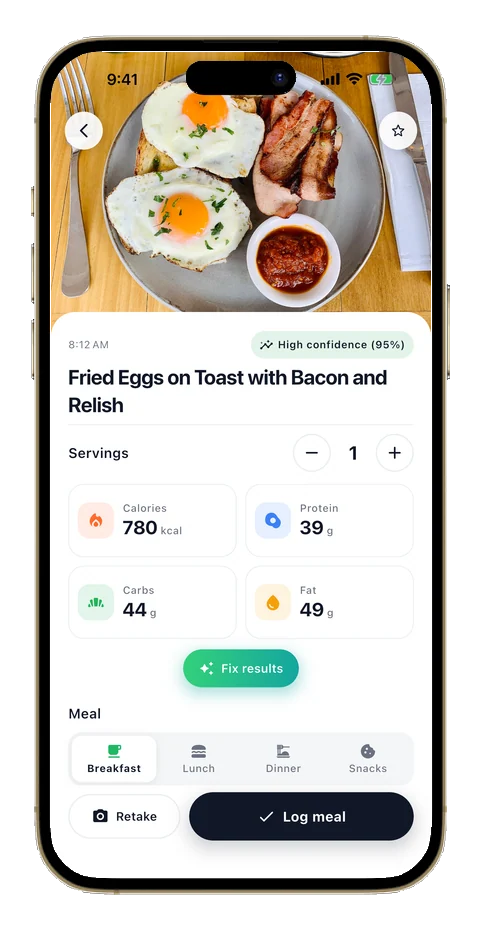
Nomi estimates each visible food, its portion, calories, protein, carbs and fat. Review hidden oils, sauces and serving sizes.
Done
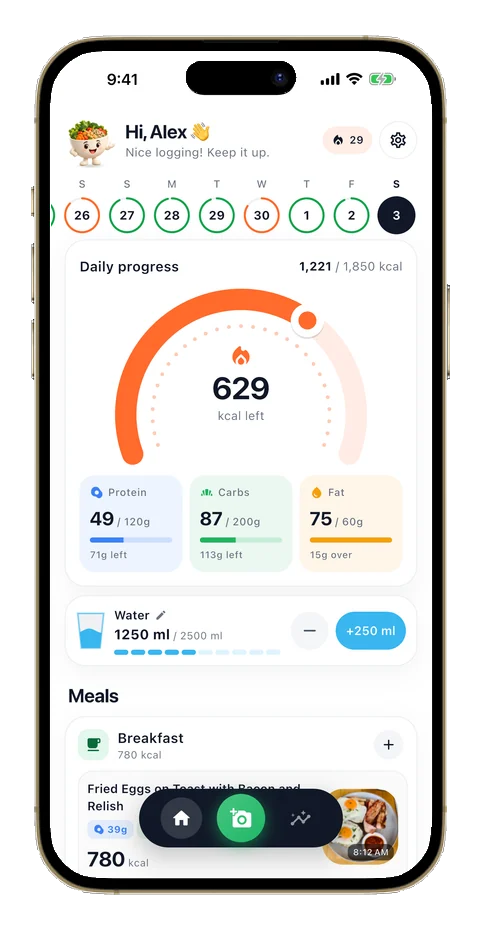
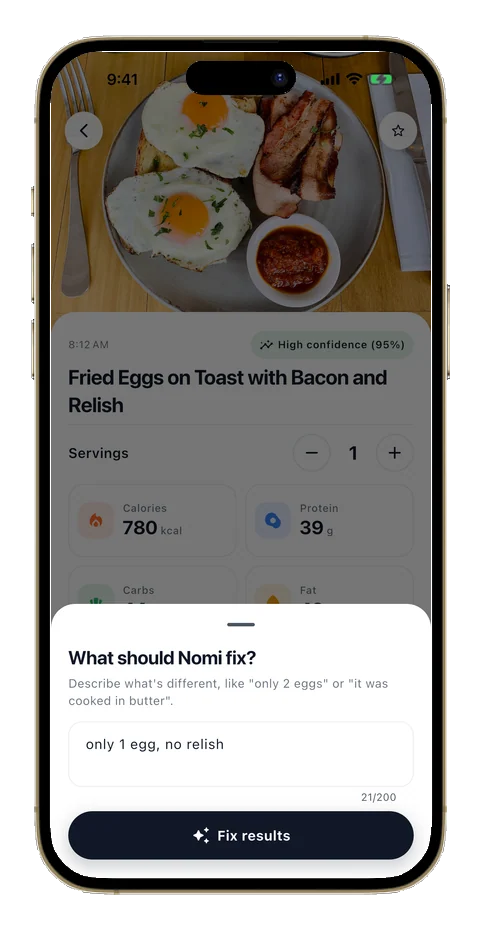
Correct anything in plain words, then log the meal. Your daily gauge, macros and progress update immediately.
How to get a better estimate
Use a sharp photo, include the full plate, separate overlapping foods when practical, and tell Nomi about oils, dressings or ingredients that are not visible. AI nutrition is still an estimate, not a laboratory measurement or medical advice.
Your next meal can be simpler.
Download Nomi to scan, review and log meals with less effort.

 Scan to download